Categories
Ask a Question
directv.com
Sign In
New Member
Sunday, June 20th, 2021
Like
Comment
Follow
Share
Responses
ACE - Expert
•
21.3K Messages
4 years ago
You don't. Pressing exit should remove it
(edited)
Community Support
255.6K Messages
Hi @smosuch, we're here to help.
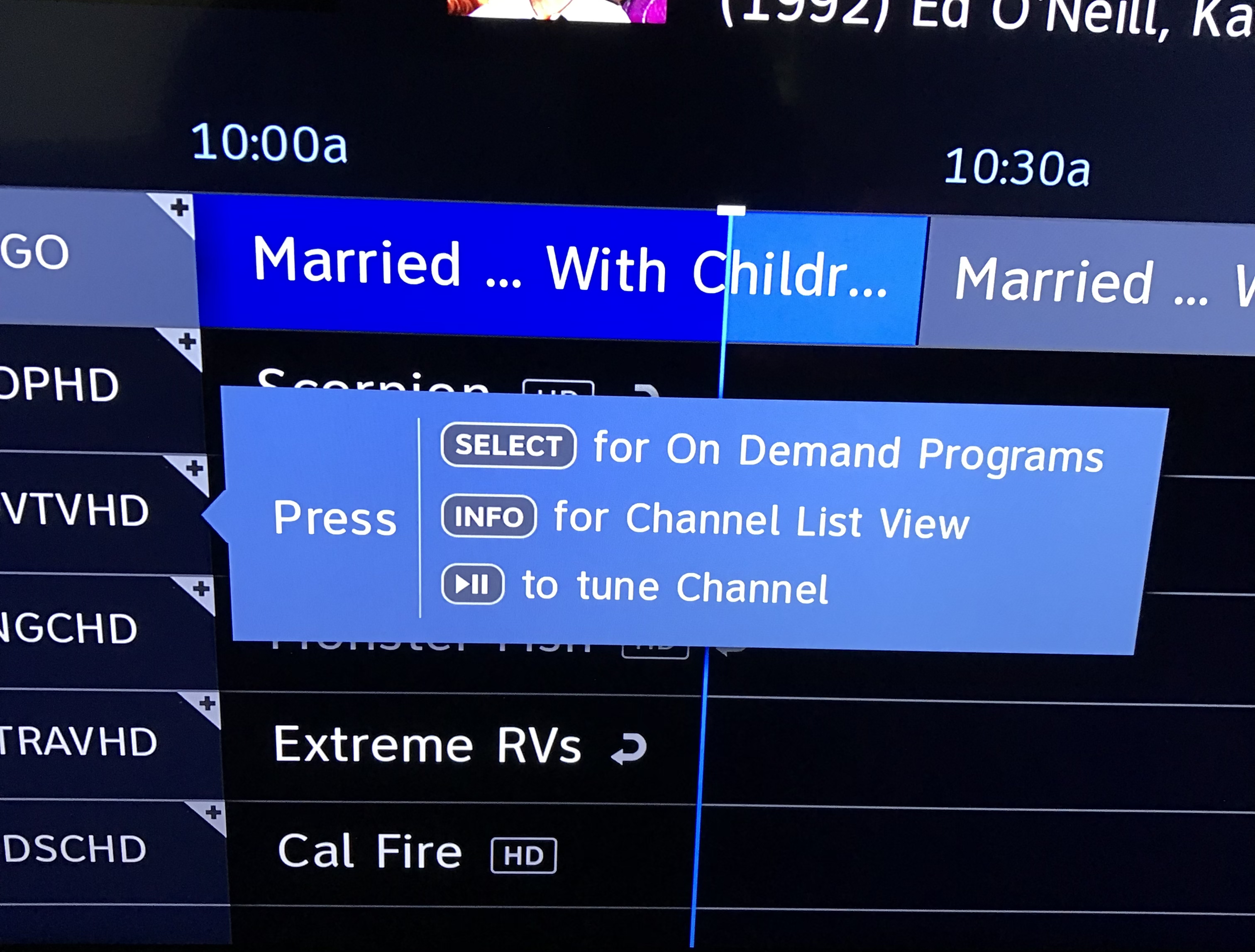
These steps may help shorten how long the banner is there:
- Press Menu
- Select Settings & Help
- Select Settings
- Select Display
- Select Preferences
- Press Down arrow to highlight Banner time
- Press Select to show choices
- Use Down arrow to scroll choices.
- Press Select banner display of time.
- Press Exit.
Here you can find additional information to customize your program guide.
If you need additional help, please let us know.
David, AT&T Community Specialist.


shannon02
ACE - Expert
•
21.3K Messages
4 years ago
You don't. Pressing exit should remove it
(edited)
0
0
DIRECTVhelp
Community Support
•
255.6K Messages
4 years ago
Hi @smosuch, we're here to help.
These steps may help shorten how long the banner is there:
- Press Menu
- Select Settings & Help
- Select Settings
- Select Display
- Select Preferences
- Press Down arrow to highlight Banner time
- Press Select to show choices
- Use Down arrow to scroll choices.
- Press Select banner display of time.
- Press Exit.
Here you can find additional information to customize your program guide.
If you need additional help, please let us know.
David, AT&T Community Specialist.
0
0